Volumes
WordPress content that must survive redeploys lives in a persistent volume. In most WordPress apps, that volume is mounted at /app/wp-content.
Open the Volume UI
- Open the Storage tab for your app.
- Find the
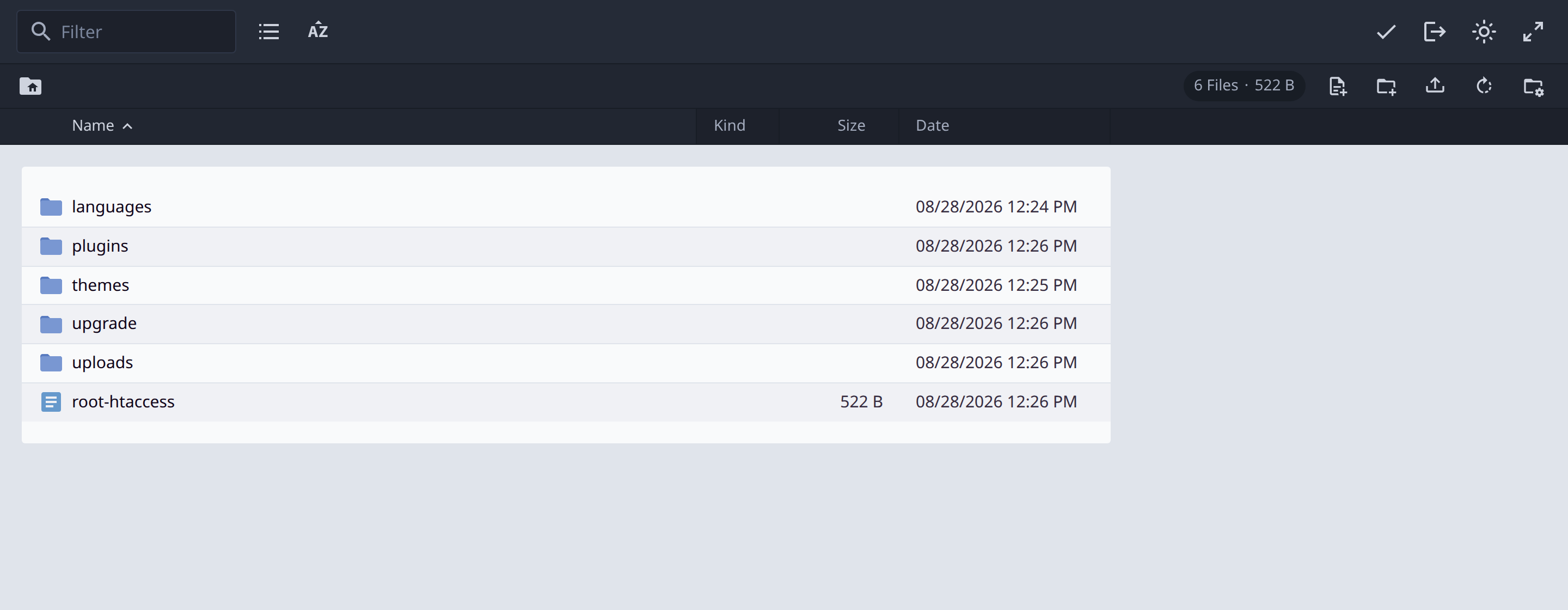
wp-contentvolume. - Click Explore files.
- Browse persistent directories such as
plugins,themes, anduploads.

What belongs in the volume
The wp-content volume is where you should expect persistent WordPress files such as:
- Plugins
- Themes
- Uploads
- Other site-specific content that must survive redeploys
Files inside the mounted volume persist across redeploys. Files outside the volume do not.
For more on persistent storage in Edge apps, see Using persistent storage in Wasmer Edge Apps.
Last updated on